
How to reduce Azure costs without putting stability at risk
Azure savings work better when ownership, metrics and guardrails come before cuts or commitments.
Why this matters
Software operations improve when decisions are tied to real delivery constraints
These resources help technical leaders make clearer decisions about software modernization, delivery constraints, continuity, and operating risk.
13
Sections
8
Minutes

In this guide8 min read
Article
A guide to move from the decision to the operating criteria and next step without losing the thread.
An Azure workstation may need substantial capacity during the working day and none overnight. Keeping it running increases the bill without improving the service; stopping it without understanding its dependencies may lock the team out. When promotional credits end, that usage becomes visible on the first invoice. At Eximus, we addressed this with versioned infrastructure, demand driven automation and continuity checks. This case describes the design used in our internal environment without exposing its inventory, access paths or private cost data.
The real problem: demand and availability follow different clocks
Our environment includes virtual workstations and shared identity, connectivity and application services. One workstation can become idle while a shared service is still needed by someone else or within a protected operating window. A VM stopped inside the guest can also continue reserving compute. Microsoft distinguishes deallocation, which releases compute, from a stopped state that can continue incurring compute charges.
The decision was therefore broader than choosing a smaller VM. For each resource we needed to know who needs it, when, which services it depends on, how its state is confirmed and what happens when startup fails. The goal was to keep capacity available when needed and avoid paying for idle compute. Disks, networking, backups and other services may still incur charges when a VM is deallocated, so the complete bill matters.
The Eximus case: four architecture decisions
1. Separate capacity from hours of use
Each workstation keeps an operating size suited to its workload. The normal shutdown cycle deallocates it; the next startup checks the expected size and starts it. This preserves the logical resource, data and configuration while avoiding compute charges during idle hours. Resizing is a separate decision, backed by performance metrics and a change window. A daily resize is not necessary to save on unused compute hours.
2. Start dependencies in order
When a workstation is requested, an Azure Automation runbook checks and starts its shared dependencies in sequence, waiting for each VM to reach the expected state. It records an active session only after the workstation is running. On shutdown, it deallocates the workstation and updates the central session state. If it was the last active workstation, the runbook checks protected windows before deallocating shared services in reverse order. The cycle follows actual demand while protecting other users.
3. Make exceptions explicit
Not every resource should follow the same schedule. In the internal design, a specialized server is controlled on demand by its own runbooks; an agent component has no automatic startup for cost reasons; and a scheduled safety shutdown covers eligible resources. Connectivity windows keep the required services running. These are declared decisions for each resource, reviewed as operations change, instead of one schedule being imposed on everything.
4. Manage storage costs separately
We also reviewed the persistent cost of disks. For eligible workstations we designed a policy that moves an operating SSD to a lower cost tier only after a full idle period, then restores SSD before the next startup. An earlier migration of selected OS disks from Premium SSD to Standard SSD used an inventory, pilot and verification. The cold tier policy remains deliberately limited: no current workstation is marked eligible, so we do not count it as a current savings source. Disk tiers are chosen against performance, operations and cost together.
Diagram
View diagram source
flowchart LR
  A["Solicitud y revisión / Request and review"] --> B["Git y Azure DevOps / Git and Azure DevOps"]
  B --> C["Terraform para recursos declarados / Terraform for declared resources"]
  B --> D["Runbooks PowerShell versionados / Versioned PowerShell runbooks"]
  C --> E["VM y red privada / VM and private network"]
  D --> F["Azure Automation e identidad administrada / Automation and managed identity"]
  F --> E
  F --> G["Estado de sesiones en Blob / Session state in Blob"]
  E --> H["Métricas de servicio / Service metrics"]
  E --> I["Azure Cost Management / Cost Management"]
  H --> J["Decisión y reversa / Decision and rollback"]
  I --> J
How it was built: the stack and each component's role
- Azure DevOps and Git hold requests, configuration, runbooks, reviews and change history. Work starts from a tracked item, with validation and review before an operational update is published.
- Terraform defines the components within the provisioning module, including private connectivity and desired state, using a remote backend isolated per workstation. The VM is created from a controlled image by a provisioning flow that also uses Azure tools. We do not claim that Terraform manages every historical resource in the environment.
- Azure Compute, managed disks and private networking provide the workstation and its dependencies. VM size follows workload, quota and performance tests; operational shutdown targets the deallocated state.
- Azure Automation, PowerShell and Azure Az run startup, shutdown, dependency sequencing and safety runbooks. Their definitions are generated from versioned configuration, and publication has a preview before changes are applied.
- Managed identity, Azure RBAC and Blob Storage provide bounded permissions and durable shared session state. Concurrent updates use version control and retries so simultaneous requests cannot overwrite the active user inventory.
- Azure Cost Management, Azure metrics and application signals help compare spend with user experience. A per VM cost query should include associated disks and resources while identifying shared costs that it cannot directly attribute.
This design has specific prerequisites: resource and owner inventory, dependency map, availability windows, minimum permissions for automation, durable session state, sufficient quota to restart VMs, service metrics and a rollback procedure. A deallocated VM must still be able to obtain capacity when needed; automation verifies its state instead of assuming it.
Diagram
View diagram source
sequenceDiagram
  participant U as Usuario / User
  participant A as Azure Automation
  participant C as Servicios compartidos / Shared services
  participant W as Workstation
  participant S as Estado de sesiones / Session state
  U->>A: Solicita inicio / Requests start
  A->>C: Inicia dependencias en orden / Starts dependencies in order
  C-->>A: Confirma estado / Confirms state
  A->>W: Inicia VM / Starts VM
  W-->>A: Confirma estado / Confirms state
  A->>S: Registra sesion / Records session
  U->>A: Solicita cierre / Requests stop
  A->>W: Desasigna VM / Deallocates VM
  A->>S: Retira sesion / Removes session
  S-->>A: Ultima sesion y ventana protegida / Last session and protected window
  A->>C: Desasigna solo si procede / Deallocates only when allowed
The operating flow, end to end
- Set a baseline. Agree on period, currency, resource scope, and actual or amortized cost basis. Record usage hours, utilization, latency, errors and demand. Separate compute, disk and shared service charges.
- Design a policy for each workload. Classify essential resources, dependencies, demand based workstations and manually operated services. Define startup and shutdown order, protected windows, owners and conditions that prevent shutdown.
- Version and validate. Keep configuration and runbooks in Git. Validate configuration, review the publication plan, test startup and shutdown under concurrent sessions and failure conditions, then expand the change.
- Operate with checks. Wait for every dependency at startup. Confirm deallocation at shutdown. Keep a scheduled safety stop for eligible resources and surface warnings when an operation misses its expected state.
- Measure and adjust. Compare equivalent periods and cost per unit of work. Review startup delays, authentication failures, degradation and shifted costs. Keep or roll back each change based on observed results.
Diagram
View diagram source
flowchart LR
  A["Visibilidad / Visibility"] --> B["Desperdicio / Waste"]
  B --> C["Ajuste / Rightsizing"]
  C --> D["Compromisos / Commitments"]
What “savings” means in this case
These are three different effects. Deallocation removes compute charges during idle hours but leaves some associated charges. Changing a SKU changes its price and may change performance, so it needs its own test. Buying a reservation or Savings Plan changes the billing of stable demand but does not replace waste reduction. Microsoft explains why actual and amortized cost views present commitments differently. Mixing those views or periods can produce a misleading percentage.
For a defensible result, we use observed reduction = (comparable baseline cost − comparable later cost) / comparable baseline cost × 100. The comparison must fix currency, dates, scope, work volume, discounts and shared charges, while checking service stability. Provisional observation: the shared Azure Cost Management screenshot for the main subscription shows an indicator of 22% lower cost in September 2026, while the month was still open. This view is not a final invoice and does not attribute the change to a particular action. It also does not establish that the inventory or workload was identical across periods. Calculating and attributing net savings requires closed periods, the same cost basis, comparable scope and a complete charge breakdown.
Implementation lessons that changed the design
The move from promotional credits to regular billing exposed an additional problem: a VM family quota prevented the resize performed by older runbooks. The team removed that resize from the daily cycle, set an operating size per workstation and checked quota before later changes. A deallocated VM can save compute spend, but its next startup still needs approved, available capacity.
The audit also found legacy automation that could stop workstations outside the new flow. Existing triggers were reviewed and duplicates disabled before relying on the versioned runbooks as the operating mechanism. Tests exposed edge cases in shared session and disk state; these were corrected with validation, retries and checks against actual state. That is why automation inventory and recovery tests belong inside the cost reduction project rather than being left for later.
Controls that protect stability
- Do not deallocate a shared service just because one workstation stopped: check all sessions and protected windows.
- Confirm Azure power state after each VM startup or shutdown; an accepted request does not prove the service is available.
- Check quota, permissions and dependencies before onboarding a workstation or choosing a smaller size.
- Keep disk and VM size changes separate from daily shutdown, with rollback and performance metrics.
- Distinguish automation errors from application degradation and notify the owner.
- Regularly compare versioned configuration with actual state to detect drift.
What a customer can reuse
The reusable result is a decision system, not a copied schedule. Eximus can map consumption and dependencies, find resources suitable for demand based operation, design safe sequences, version the automation, use minimum permissions and verify both cost and user experience. For workloads that must run continuously, the assessment may conclude that shutdown is inappropriate and prioritize sizing, storage or consumption commitments instead.
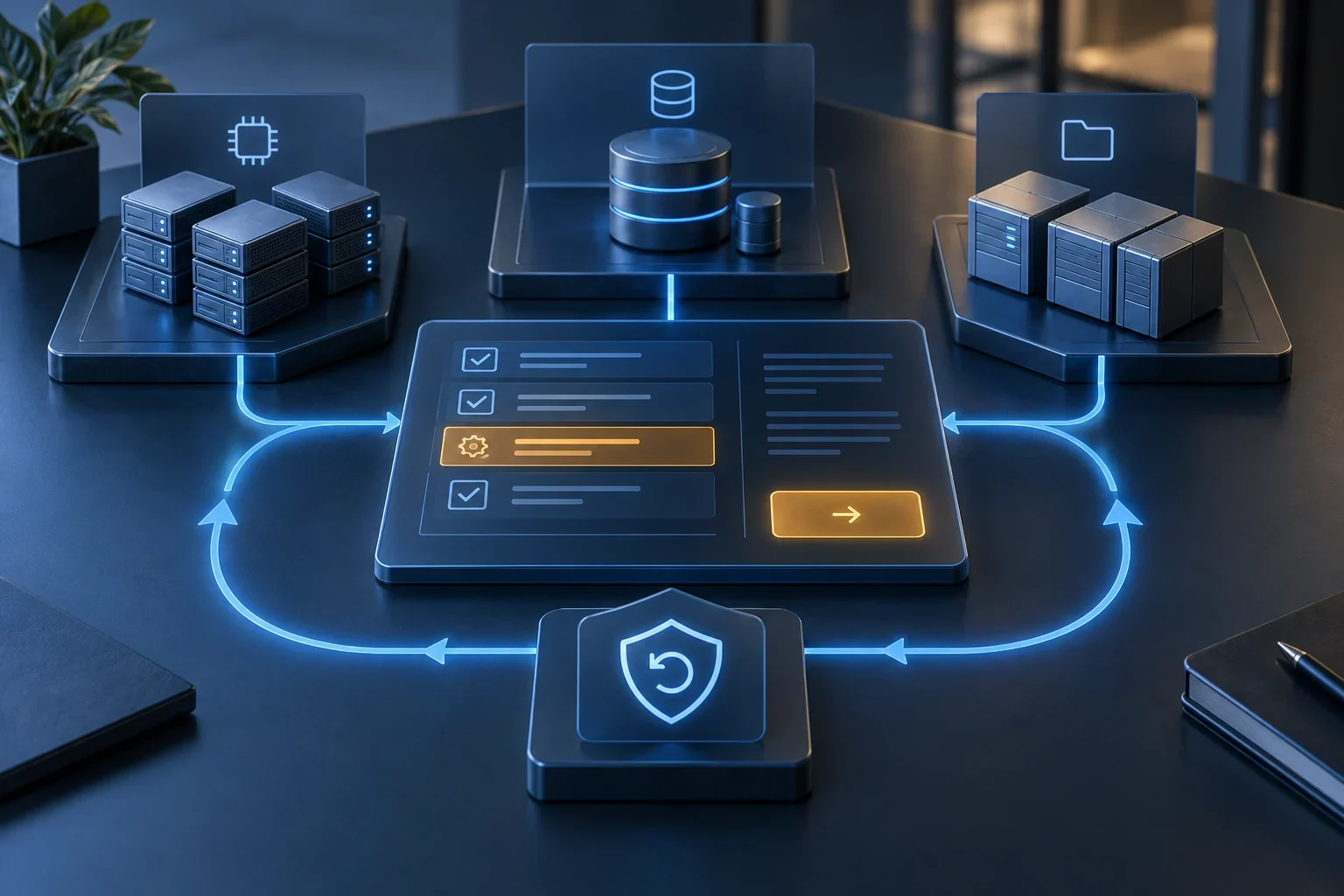
Finance receives a baseline, attribution rules and observed savings; engineering receives desired state, validation, risks and rollback. Both teams review the same change and evidence.
Next step
If your Azure bill is growing while your workloads have clear idle periods, start with a review of resources, dependencies and comparable cost. Explore our cost and performance optimization solution, Azure cost optimization service, or request a conversation to define a measurable first phase.