
A Power BI metric needs a contract before publication
Define and review a Power BI metric with a business contract, lineage, tests and change control before publication.
Why this matters
Software operations improve when decisions are tied to real delivery constraints
These resources help technical leaders make clearer decisions about software modernization, delivery constraints, continuity, and operating risk.
5
Sections
3
Minutes

In this guide3 min read
Article
A guide to move from the decision to the operating criteria and next step without losing the thread.
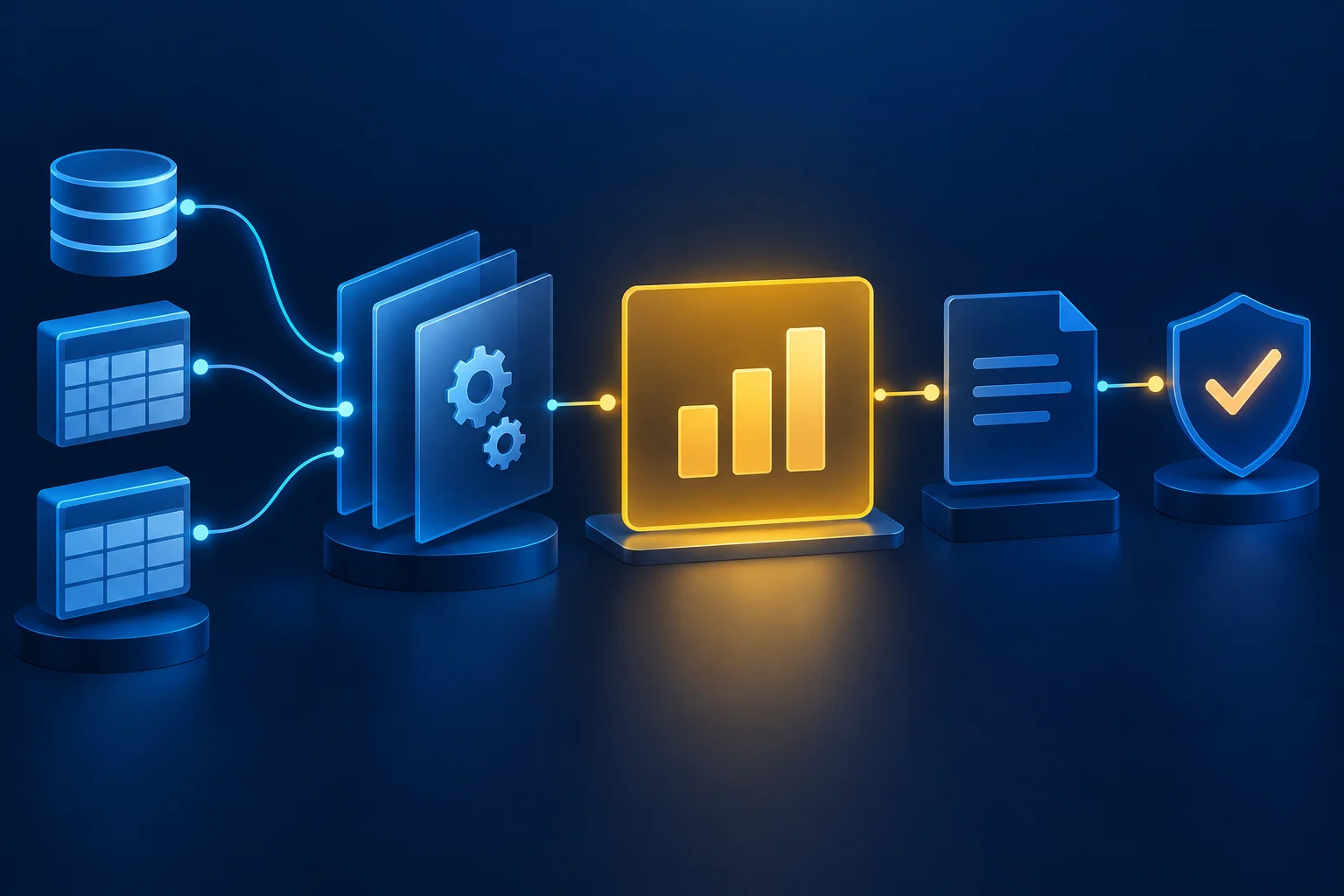
Two teams can open the same dashboard and make different decisions if they do not share what each number measures, where it comes from and when it was refreshed. Before building another visual, agree on a metric contract: a short definition that connects business meaning, data lineage and technical review.
Define the decision and the number
Start with the question the indicator should help answer. Record its name, purpose, formula, unit, grain and exclusions. If the metric is “closed sales,” specify what counts as closed, how returns are handled and which time zone sets the period. Without those boundaries, a disagreement may look like a Power BI defect when it is actually a definition gap.
Assign a business owner to approve the meaning and a technical owner to steward the calculation. Both reviews matter because the number's use and its implementation can fail in different ways.
An example that forces the decisions
Suppose the indicator is “orders closed per month.” Before implementing it, the team agrees whether closure follows the sales status or invoicing, which date assigns an order to a month, how cancellations and reopenings work, and whether it counts orders or lines. This is a hypothetical example: its value is making the questions explicit, not prescribing a universal formula.
A useful sheet lets another person reconstruct the calculation from known records. If two departments apply different rules, record the difference and resolve it with the business owner before publishing a single number.
Trace data to the visual
The contract should identify source systems, relevant tables, transformations and the semantic model version. For each step, record what changes and which check can verify it. A transformation that drops incomplete records may be valid, but people interpreting the result need to know it exists.
In Power BI, the workspace lineage view helps inspect relationships among sources, semantic models and reports. Use it to check the technical path; keep business meaning and transformations that are not visible there in the contract.
Diagram
View diagram source
flowchart LR
  A["Fuente / Source"] --> B["Modelo / Model"]
  B --> C["Revisión / Review"]
  C --> D["Publicación / Publish"]
Test before approval
Prepare known cases: a closed period, an exceptional record and a no-data case. Compare the model output with an authorized source and record the differences. Agreeing on a tolerance or threshold without identifying who may change it simply moves the problem to the next release.
Check the measure's filter context and refresh status before approving the report. Microsoft documents how to create measures and inspect refresh history; these checks help distinguish a calculation difference from stale data.
Approval should preserve date, version, owners and evidence. If the formula or source changes, treat it as a new contract version with a fresh review and a rollback option. A short sheet helps keep those decisions visible.
Make it operational
The sheet does not replace data governance; it makes the minimum decisions explicit for one indicator. If your team already uses Power BI but needs clearer definitions, quality checks and ownership, explore Power BI in Order and the data governance approach.
Related topics
Explore more on this topic
This article connects with other resources that explain the operating, commercial, and technical context behind the flow.
Recommended path
How to turn this topic into an execution path
More content
Keep exploring
data governance compliance
Data Governance & Compliance
Data governance does not fail because of tool gaps. It fails through workspace sprawl, access that nobody has reviewed, and lineage nobody documented.
data governance compliance
Desktop software migration and SSIS processes
How to migrate desktop apps and SSIS packages without breaking close cycles, ETL or critical reporting.
data governance compliance
Why we built Eximus-Hub at Eximus
When banking, payroll, billing, collections, and supporting evidence live in separate systems, the real problem is no longer effort. It is the absence of an operational integration layer with shared criteria.